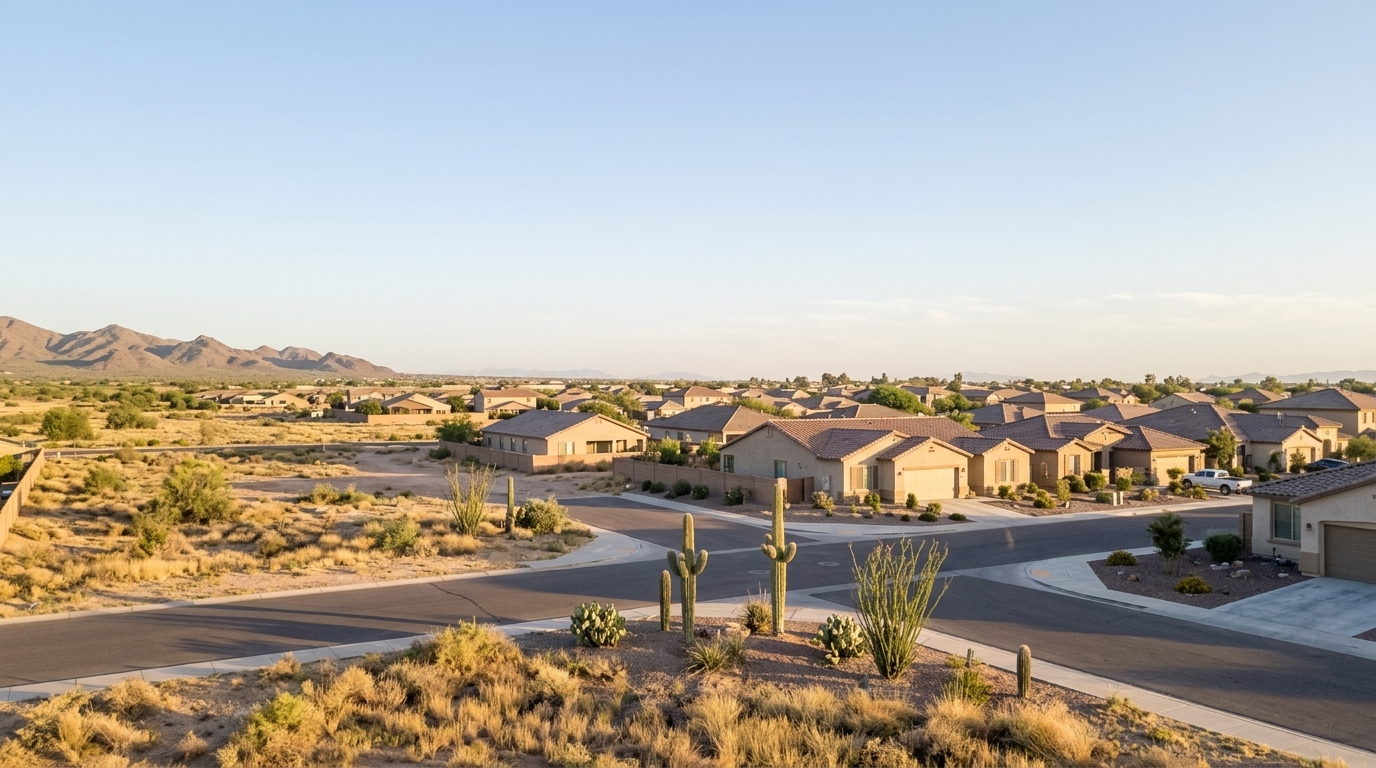
What services should you set up when moving to Queen Creek?
Set up power, water, wastewater, waste collection, gas where applicable, and internet with an address-first service checklist. Verify town limits and service boundaries before choo...

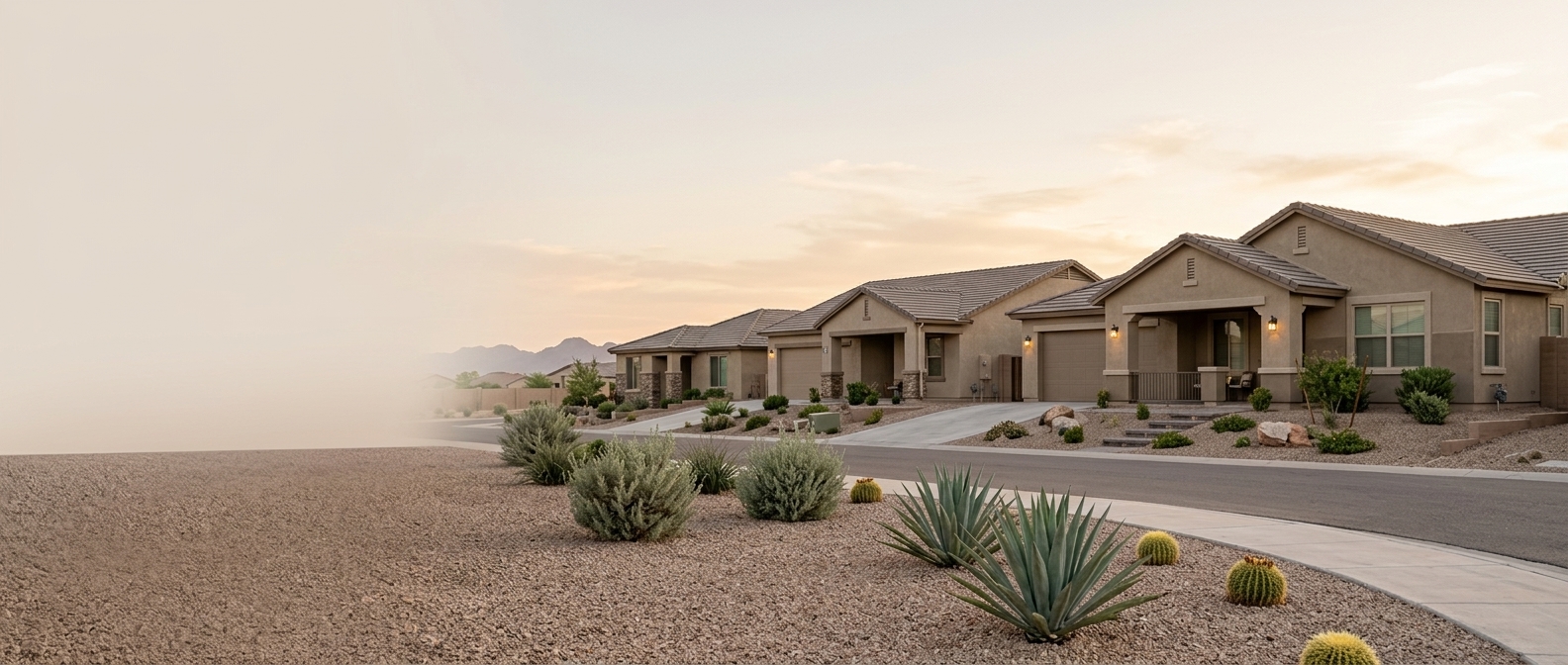
Queen Creek · Community Photo
Set up power, water, wastewater, waste collection, gas where applicable, and internet with an address-first service checklist. Verify town limits and service boundaries before choosing providers, then confirm responsibilities and arrange service for move-in.
When moving to Queen Creek, arrange electricity, water, sewer service or septic responsibilities, trash collection, recycling, and internet. Add gas only if the home uses it.Some services may need a transfer rather than a new account, or may already be managed by your landlord or homeowners association.
Start with the exact property address: a Queen Creek mailing address does not establish town residency or identify every service provider. Verify town limits and each provider’s service area, then review your lease, purchase documents or builder instructions to confirm who handles each service. Arrange activation or transfers and confirm service at handover.
Finish the move-in essentials:arrange mail forwarding, update homeowners or renters insurance, update Arizona vehicle records, confirm school enrollment requirements if applicable, and organize HOA registration and access where needed.
Start With Your Address,
Finish With Active Services

Verify the physical address and town limits
Use the Town of Queen Creek’s official boundary tools to check the property’s jurisdiction.
Identify each service territory
Confirm who serves the exact property for power, water, wastewater, waste collection, internet and gas where applicable. Check each service separately.
Check who is responsible
Review lease, HOA or builder documents. Determine which services you must arrange and which are managed for you.
Schedule a start or transfer
Contact the confirmed providers. Check their notice requirements and arrange service around your possession date.
Confirm service at handover
Verify that required services are active when you receive the keys. Keep account and activation confirmations.
Verify your Queen Creek address before opening accounts
Service | Where to verify | What to ask |
|---|---|---|
Address and jurisdiction | Town of Queen Creek Resident Resources. Queen Creek spans Maricopa and Pinal counties; a Queen Creek mailing address does not establish that a property is within town limits. Utility service territories also differ from town boundaries. | Is this property within Town of Queen Creek limits or under county jurisdiction? Which service territories cover the exact address? |
Electricity | Salt River Project (SRP) Service Area & Territory Tool; Arizona Public Service (APS) Service Area Map. Confirm applicability rather than assuming either serves the property. | Which utility serves this exact parcel? What rate plan applies, and does it include time-of-use pricing or demand charges? |
Water | Town of Queen Creek Water Service Area Map and Local Water Providers overview; Arizona Corporation Commission or local district maps for alternate suppliers, including EPCOR. | Does the Town of Queen Creek Water Department or another supplier serve this address? What base fees and usage tiers apply? |
Sewer or septic | Town of Queen Creek Utilities Wastewater Division for sewer service; Maricopa County Environmental Services or Pinal County Environmental Health for private septic, depending on the property's county. | Is the property connected to sewer or an on-site septic system? If septic, what is the tank and leach field compliance history? |
Waste collection and recycling | Town of Queen Creek Solid Waste information through Resident Resources. Unincorporated properties may use private haulers. | Is collection included in municipal utility billing or handled through a private subscription? What collection days and recycling guidelines apply? |
Gas, if equipped | Southwest Gas Arizona Service Area information to verify applicability; regional boundary maps or local suppliers if another gas service or propane applies. | Is natural gas piped to this property, is there an on-site propane tank, or is the home all-electric? |
Internet | Exact-address availability checks with Cox Communications, Quantum Fiber, AT&T Fiber or CenturyLink; confirm service at the property rather than assuming regional coverage. | Which connection infrastructure reaches this address? What upload and download speeds are available at this specific property? |
Set Up Essential Utilities and Internet at Your Address
Before You Take Possession
Confirm each service’s approved start date matches your possession timeline. Record who holds each account and save confirmation numbers so you can resolve any overlap or interruption.
Coordinate with your landlord or seller to avoid a gap in electricity and cooling at your Queen Creek home. Check that power and air conditioning are working at handover rather than assuming an application means service is active.
Protect your personal and account details by submitting them only through official provider portals. Verify activation directly with each provider before arrival.
Schedule Service Setup and Track Confirmations
Queen Creek, Arizona · Move-in planning
Your move-in service tracker
Check responsibility first. Record arrangements next. Confirm them yourself.
Planning suggestions only—not provider guarantees or official deadlines. Verify service coverage, requirements and start dates for your exact property. A Queen Creek mailing address does not by itself establish town, county or service boundaries.
Recorded dates are planning notes, not service bookings. Entering a date does not schedule service.
Suggested planning order — not official timing requirements
After securing the property
Verify the exact property’s jurisdiction and service coverage through official sources. Distinguish mailing address, town limits, county and utility boundaries before recording providers. Determine which services are included or separately billed.
Before handover
Contact verified providers or responsible organizations, arrange starts or transfers, and record agreed dates and outstanding requirements.
At handover
Confirm service status and responsibilities. Update tracker statuses only after checking arrangements or receiving confirmation.
After moving
Finish mail forwarding, Arizona vehicle-record changes, school enrollment where applicable, insurance updates and HOA access tasks. Verify requirements with the relevant official source.
This reveals guidance only; it does not change your tracker.
Community-specific HOA checks
Verify community-specific rules for bins, mail kiosks, common elements and gate access rather than assuming uniform rules across Queen Creek.
Your entries stay on this page
Entries stay in this open page and are not sent by this tracker. Reloading or leaving the page clears them. Print before leaving if you want a copy.
Select “Applicable” for categories in your plan. Unchecked means excluded from your current plan, not verified as unnecessary. Unchecking preserves entries but disables editing. Incomplete rows are welcome.
Statuses are your planning labels, not provider-reported statuses. Dates never change a status automatically.
Before arranging services at your Queen Creek rental, review the lease and confirm with the landlord which services are included, which are billed separately and which require an account in your name. Verify coverage at the exact property before choosing a provider.
Record who will arrange each service and confirm the planned start with the responsible party. If an HOA applies, ask the landlord who handles bins, mailbox or mail-kiosk access, gate access and community instructions; do not assume these responsibilities are the same across neighborhoods.
Coordinate service starts or transfers directly with the verified providers for your property. Do not assume the seller’s accounts will carry over to you. Confirm the handover arrangements and record the agreed start dates and any remaining actions in your tracker.
Where an HOA applies, verify community-specific responsibilities for bins, mailboxes or mail kiosks, shared facilities and gate access. Confirm how you will receive access instructions rather than relying on the seller’s existing arrangements.
Confirm that utilities and the postal service recognize the property’s address. Check with the builder and each applicable provider that permanent meters are installed, required service releases are complete and the builder-to-owner handover is arranged. Do not treat a planned handover date as confirmation that services are active.
Before marking a service confirmed, verify its status with the responsible provider. If the home is in an HOA, clarify who supplies bins, arranges mailbox or mail-kiosk access and provides gate access or shared-facility instructions. Community rules vary, so confirm the requirements for your property.
Finish your address changes and local registrations
Task | Who Needs It | Next Action / Official Verification |
|---|---|---|
USPS Mail Forwarding | All new residents moving into Queen Creek to ensure seamless transition of mail. | Submit a change‑of‑address request online via the USPS official mail forwarding site (https://postalmover.com/). |
Direct Address Updates (Banks, Employers, Subscriptions) | Anyone with active financial accounts, loans, credit cards, payroll providers, and recurring deliveries. | Log into each institution’s portal or contact their customer service to update the address. |
Arizona MVD Driver & Vehicle Records – New‑Resident and address updates | New residents establishing residency in Queen Creek and existing Arizona residents who have moved to a new address. | Visit an MVD office or authorized third‑party location with required documents; see the ADOT “New to AZ” guide (https://azdot.gov/motor-vehicle-services/new-arizona) and the AZ MVD Now portal (https://azmvdnow.gov/) for detailed instructions. |
Homeowners / Renters and Auto Insurance address updates | Property owners, renters, and vehicle owners needing coverage that reflects the Queen Creek location. | Contact your insurer to change the policy address immediately; confirm compliance with Arizona minimum liability limits (25/50/15). Reference the Arizona Department of Insurance website (https://difi.az.gov/) for guidance. |
School enrollment based on actual district boundaries | Parents or guardians enrolling children in public schools near Queen Creek. | Verify the assigned school district for the exact property address using the Queen Creek Unified School District boundaries tool (https://www.qcusd.org/). |
HOA & property manager access | Residents of gated communities, master‑planned neighborhoods, or managed condominiums in Queen Creek. | Register contact information, vehicle details, and access codes with the specific HOA or property manager as outlined in closing documents or community portal. |
Queen Creek Moving-Services FAQs
No. A Queen Creek postal address does not establish that a home is within the Town’s incorporated limits. Postal boundaries and town boundaries are separate. Verify the property’s jurisdiction and each utility’s service area using the exact address before opening accounts.
Town-provided water and sewer are consolidated on a single utility bill. For residential homes within incorporated limits, Town waste collection is automatically added to the Town utility bill. Homes receiving water from H2O, Inc. receive a separate Town bill for trash service. Confirm which arrangement applies to your property.
Yes. Renters can apply for a Town utility account with their name, service address, mailing address, desired start date, and landlord’s name and phone number. Check your lease first to confirm which services you must arrange and which remain in the landlord’s name.
The Town requires$150 before service turn-on: a $125 security deposit and a $25 non-refundable establishment fee. The deposit is automatically refundable after 12 consecutive months of on-time payments. Same-day connections carry an additional $35 fee. These are Town utility charges, not a combined setup price for every provider serving your home.
Contact Town Customer Service at480-358-3450for address verification or utility setup assistance. If the new home requires a water meter, the builder or owner must email a copy of the building permit toNewMeterRequest@QueenCreekAZ.gov. Confirm meter and service readiness rather than assuming an address issue is only an online application problem.
Only if the home uses gas equipment that you need to operate. Check the stove, water heater, dryer and other appliances before requesting service; an all-electric home does not need a gas account. Southwest Gas provides natural gas in Queen Creek. Confirm service at the exact property before arranging a connection.
Service | Setup Action | Information/Confirmation Needed |
|---|---|---|
Electricity | Confirm address‑specific provider (Salt River Project or Arizona Public Service) and use the provider’s official start or transfer process. | Verify which provider serves the address, prepare the service address and desired start date, and ask what identity or occupancy documentation is required. |
Water | Confirm address‑specific provider (Town of Queen Creek Utilities Department or EPCOR) and follow the official start‑service procedure. | Confirm the provider for the address, determine eligibility for water service, prepare the service address and desired start date, and inquire about required renter/owner identification documents. |
Sewer or Septic | Determine whether the property connects to municipal sewer (Town of Queen Creek/EPCOR) or uses an on‑site septic system, then either open a sewer account or coordinate septic maintenance with the owner/landlord. | Verify sewer eligibility for the address; if sewer is unavailable, confirm septic system existence and clarify maintenance responsibilities rather than creating a new municipal account. |
Trash/Recycling | Establish curbside service through the Town of Queen Creek Environmental Services Division (contracted to Waste Connections of Arizona) if the address is within town limits, otherwise check HOA or alternative providers. | Confirm address eligibility for municipal trash/recycling, set the service start date and cart placement details, and ask what proof of residency or occupancy is required. |
Gas (only if equipped) | Contact Southwest Gas Corporation to schedule activation of natural‑gas service when the property has gas lines. | Verify that the address is equipped with natural gas, provide the service address and start date, and determine any required documentation for activation. |
Internet | Check broadband/fiber availability for the specific address and schedule professional installation with the chosen provider. | Verify address eligibility for service, decide on plan and start date, and ask what proof of residency or lease agreement is needed for activation. |